activate eSIM before travel travel checklist
activate eSIM before travel works best when you check device compatibility, destination coverage, activation timing, and expected daily data use before you fly. This guide helps travelers choose a practical Jet eSIM option, avoid roaming charges, and keep maps, messaging, rideshare apps, and hotel bookings connected during the trip.
How to choose activate eSIM before travel
Before buying activate eSIM before travel, confirm your phone supports eSIM, compare the plan duration with your travel dates, and pick enough data for navigation, social apps, video calls, and work tools. If you visit more than one country, compare regional or global eSIM plans so the same setup can support more of your itinerary.
For broader planning, compare international eSIM plans or a global eSIM guide if your itinerary includes more than one destination.
activate eSIM before travel is the main focus of this guide for travelers comparing Jet eSIM data, setup, coverage, and roaming alternatives.
For a technical overview of how eSIM technology is standardized across mobile networks, review the GSMA eSIM resources.
Before your trip, check coverage, phone compatibility, activation timing, data needs, and roaming costs.
Why activate eSIM before travel matters for travelers
If you are heading internationally, you can save yourself a lot of hassle by activating an eSIM before you reach your destination. For the full comparison hub, see our Best eSIM for international travel guide. Related guides: Best eSIM for Europe.
Nobody wants to land in a new country and immediately start looking for Wi-Fi, SIM card counters, or roaming settings. You might need to make a trip reservation, text your hotel, activate maps, look up train information, or call loved ones.
That is why it is a good idea to set up your eSIM before traveling.
An eSIM allows you to use mobile data overseas without the need for a physical SIM card. It can be installed on a compatible mobile phone, your normal SIM can stay in the phone, and the travel data plan can be used on arrival.
Travelers who want to buy an eSIM before departure can browse available plans and get set up at home before the trip.
How Do You Activate an eSIM?
To activate an eSIM, you need to add an eSIM plan to your phone and prepare it for connection to a mobile network.
Depending on the eSIM plan, some plans activate when they are installed. Others activate when your phone first connects to a supported network in the country you are travelling to.
You should always read the plan details before setup to avoid problems.
To put it simply, an eSIM is added to your phone. Activation either starts the plan or prepares the plan for use.
The timing may vary by provider, country, and plan type.
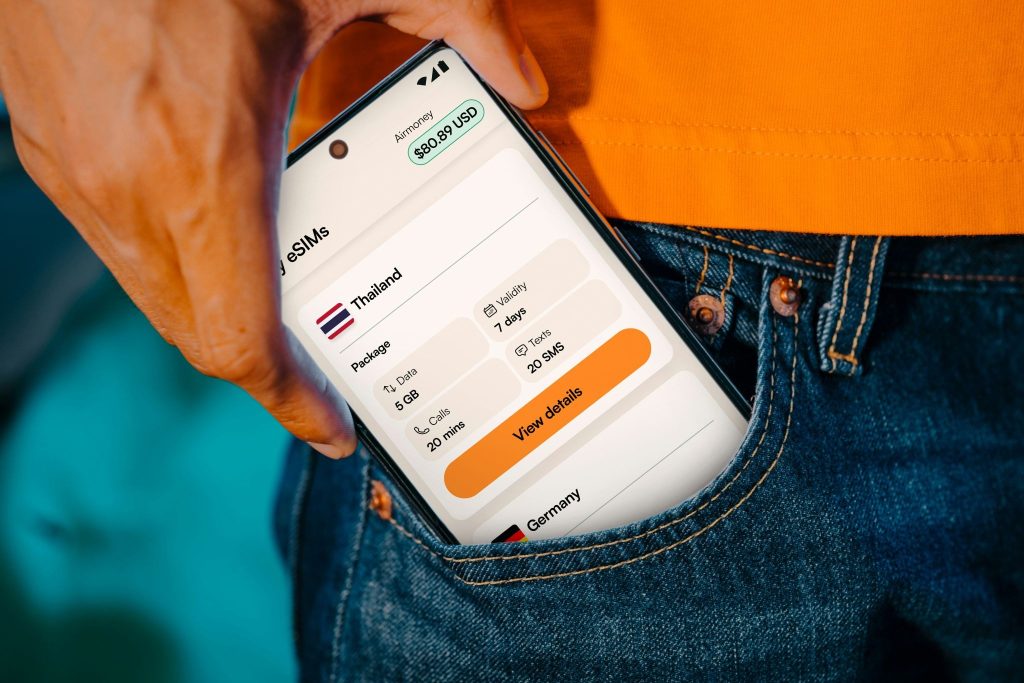
Why Activate an eSIM Before Travelling?
You can easily set up your eSIM before your trip while you have a strong Wi-Fi connection.
If something goes wrong, there is time to fix it. You do not have to arrive at an airport exhausted, with bags in your hands, and no access to the internet.
Installing it before travel also helps you avoid airport SIM card queues.
Mobile data can then be accessed according to the plan instructions after you land and turn on the correct settings.
It is helpful for visits to Europe, Dubai, the USA, Japan, Thailand, Turkey, Morocco, France, Spain, and many other popular destinations.
Check Your Phone First
Before purchasing or activating any eSIM, make sure your phone is compatible.
eSIM is available on many newer iPhones, Samsung Galaxy phones, Google Pixel phones, and other modern devices, but not all of them.
The phone must also be unlocked. Your phone might not accept a different mobile plan if it is locked to one carrier.
This step matters. Many eSIM problems happen because of phone incompatibility or carrier locking.
It is better to check this before purchasing your plan.
Select the Appropriate Travel eSIM Plan
Next, you need to select a suitable travel package.
For visitors to one country, choose a country-specific eSIM. For instance, you might need an eSIM for Dubai, Japan, Thailand, Turkey, Morocco, the USA, France, or Spain.
A regional or international plan might be better if you are travelling to several countries.
Jet eSIM international plans allow you to see available options and choose a plan that fits your travel needs.
Before purchasing, verify the data amount, validity period, coverage, and activation requirements.
A short weekend trip requires less data than a two-week holiday or a work trip abroad.
Install the eSIM While You Are Connected to Wi-Fi
Once you have purchased your plan, install the eSIM while you are connected to Wi-Fi.
Most travel eSIMs can be installed through a QR code or setup details.
If you receive a QR code, open it on another device such as your laptop, tablet, or another phone. Then scan it with the phone you intend to use for travelling.
If you only have one phone, check whether your phone allows you to add the eSIM by scanning the QR code from your screen or by manually entering the information.
Do not rush this step. Make sure you have a stable Wi-Fi connection when adding the eSIM.
Clearly Label Your eSIM
After the eSIM is installed, label it clearly.
It can be named “Jet eSIM,” “Travel Data,” “Europe,” “Dubai,” or the country where you are traveling.
This helps you avoid confusion between your main SIM and travel eSIM.
Many phones allow two SIM options at the same time. A clear label makes it easier to select the right line for mobile data.
This also helps you avoid using your home SIM for roaming by mistake.
Choose the eSIM for Mobile Data
Once installed, go to your mobile data settings.
When you are ready to use your Jet eSIM, select it as your mobile data line.
If necessary, keep your regular SIM activated for calls, texts, banking alerts, and WhatsApp.
One of the biggest advantages of using an eSIM is this setup. Your normal number can be kept active while a separate travel plan is used for internet abroad.
If you do not want to use the eSIM right away, you can leave it installed and switch it on according to the plan instructions.
Turn On Data Roaming for the eSIM Line
Many travel eSIMs require data roaming to be activated on the eSIM line.
This may sound confusing, but using data roaming for your eSIM does not mean you are using roaming from your home carrier.
It simply allows your travel eSIM to access partner networks in other countries.
It is important to remember that you are managing your eSIM line, not your home SIM line.
If your eSIM is installed but still not working after arrival, this is one of the first settings to check.
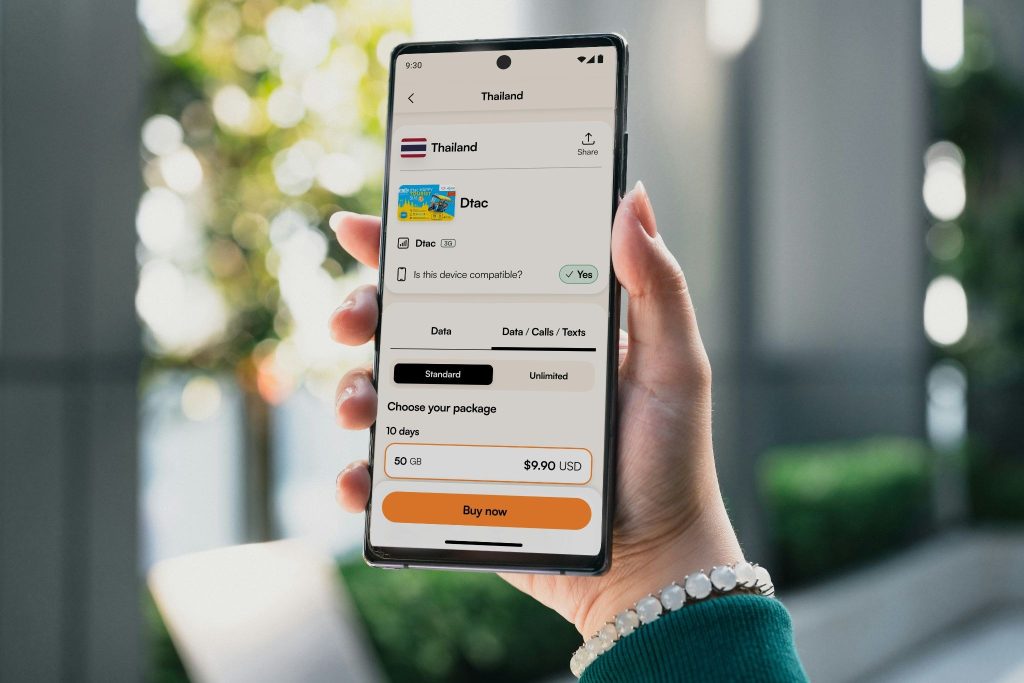
Make Sure the Activation Timing Is Correct
Timing is important when activating an eSIM.
Some plans start upon installation. Other plans start when they first connect to a network in the destination country.
If your plan begins on installation, you may not want to install it too early.
If your plan starts on the first network connection, you can usually install it before travel and use it once you arrive.
Read the plan details carefully to understand when it becomes valid.
This small step can help you avoid wasting plan days before your trip begins.
How to Activate an eSIM on iPhone
On iPhone, go to Settings and then Cellular or Mobile Data.
Tap Add eSIM and follow the instructions. If you are asked to scan a QR code, scan it.
Once installed, label the eSIM and use it for mobile data when needed.
You may also need to activate data roaming for the eSIM line.
For a more detailed setup reference before your trip, Jet eSIM offers an iPhone eSIM installation guide.
How to Activate an eSIM on Samsung
For most Samsung devices, go to Settings, then Connections, and then SIM Manager.
Select Add eSIM and follow the instructions. If you have a QR code, scan it when asked.
Once the eSIM is installed, choose the eSIM for mobile data and, if needed, turn on data roaming for the eSIM line.
For travelers who need help setting up their Samsung eSIM, Jet eSIM has a Samsung eSIM installation guide.
What If Your eSIM Does Not Work After You Arrive?
If your eSIM does not work after landing, do not worry.
First, make sure the eSIM line is switched on.
Then, ensure it is selected for mobile data. Check that data roaming is enabled for the eSIM line.
You can also turn airplane mode on and off, restart your phone, or manually select a supported network if your phone allows it.
If it still does not work, contact Jet eSIM support with your order details and any error message appearing on the phone.
Common Mistakes People Make
Do not buy an eSIM without checking phone compatibility first.
Do not ignore activation timing. Some plans begin when installed, so read the details first.
If possible, do not install your eSIM after you have landed. Airport Wi-Fi may be slow or unstable.
Remember to choose the eSIM for mobile data.
Also, do not delete your eSIM too early. Certain QR codes are one-time codes, and deleting the eSIM can make it hard to reinstall.
Final Thoughts
Knowing how to activate an eSIM before international travel can make your trip much easier.
You can plan your mobile data ahead of time, avoid airport SIM card lines, and reduce the risk of roaming charges.
Jet eSIM is an easy-to-use solution that allows travelers to install mobile data digitally and stay connected while traveling internationally.
Before travelling again, check your phone, select the right plan, install the eSIM using the internet, and understand the activation timing.
This means your phone will be ready to help you move, message, book, navigate, and enjoy your trip.
FAQs
Is it best to activate my eSIM before I travel?
Usually, it is best to install your eSIM before your trip. However, some plans activate during installation, while others activate when connected outside the country. Always check the plan details.
Will I require Wi-Fi to activate an eSIM?
Typically, you need Wi-Fi or mobile data to install an eSIM. It is best to do this before your trip.
Am I allowed to keep my regular SIM card?
Yes, many compatible phones allow you to keep your regular SIM card while using an eSIM for mobile data.
Why does my eSIM not work outside the country?
Make sure the eSIM is switched on, selected for mobile data, and data roaming is activated for the eSIM line.
Is Jet eSIM compatible with Samsung and iPhone?
Yes, Jet eSIM works with compatible and unlocked iPhone and Samsung phones.