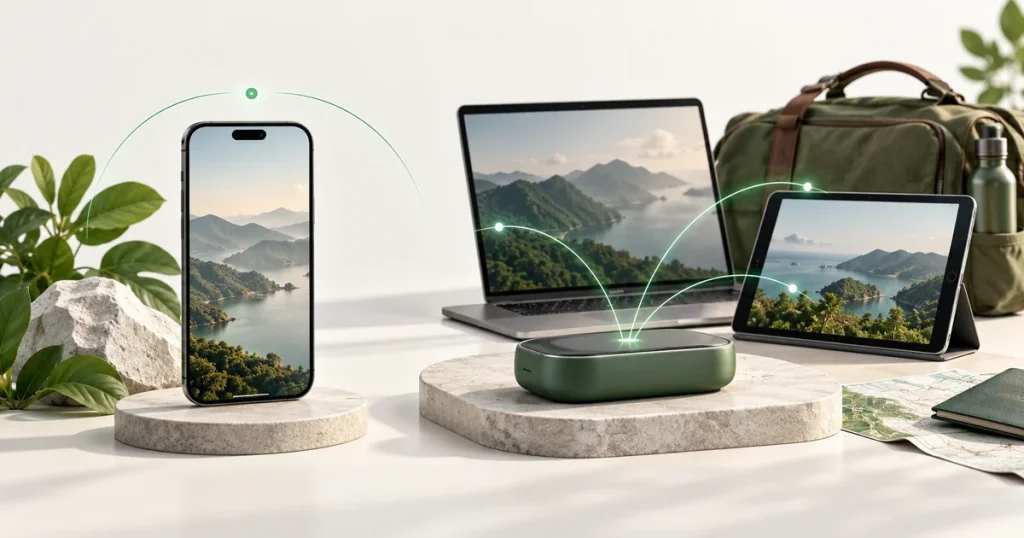
Comparing eSIM vs pocket WiFi? Choose a travel eSIM when you want mobile data on your own compatible phone without carrying a separate router. Consider pocket WiFi when several devices need a shared connection and can stay near the router. The practical decision depends on who needs independent access, which devices you use, and whether you want to manage rental equipment.
Source guidance checked: 22 October 2026.
What is the difference between an eSIM and pocket WiFi?
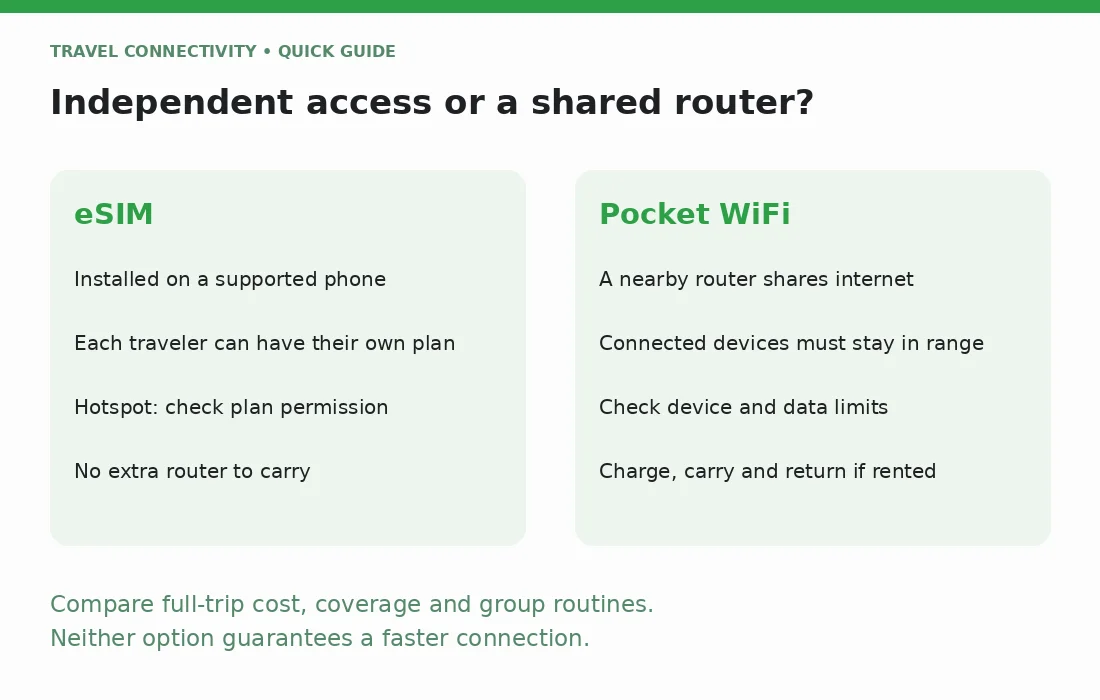
An eSIM lets a compatible device use a mobile plan without inserting a removable SIM card. For this comparison, the plan is installed on your phone. Apple's eSIM documentation explains digital installation and device requirements; other manufacturers have their own compatibility rules.
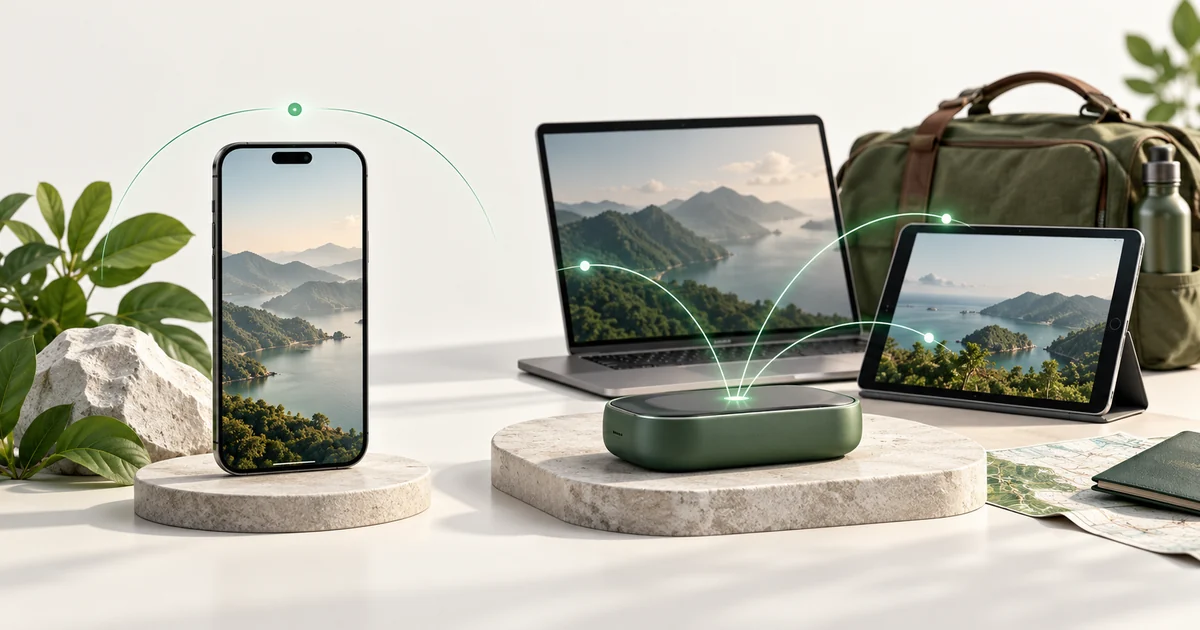
Pocket WiFi is a separate mobile router. The router connects to mobile service and shares that connection over Wi-Fi with nearby phones, tablets, or computers. Your phone joins the router's Wi-Fi network rather than installing that router's mobile plan.
For example, TP-Link's mobile Wi-Fi setup guide shows a router using its own SIM and battery, with other devices connecting through a network name and password. That is a technical example, not a rental or purchase recommendation. Check the actual unit supplied with any service you consider.
Will everyone stay together?
For a group, the most important question is whether people will separate during the day.
One shared router works only while devices can reach its Wi-Fi connection. If the person carrying it leaves for a different activity, the others need another connection. The same limitation applies when everyone relies on one traveler's phone hotspot.
Separate eSIM plans on supported phones let each traveler keep an independent mobile connection. This can suit a couple taking different excursions or colleagues traveling between separate meetings. It also means choosing and managing a suitable plan for each person who needs that independence.
If your group stays together and mainly connects tablets or laptops at the same place, a shared router may fit the routine. Decide who carries it, who charges it, and what happens if the group splits unexpectedly.
Can an eSIM replace pocket WiFi through a phone hotspot?
It can, if the phone and the specific plan support tethering. Confirm that permission before relying on a travel eSIM to connect another device.
Apple's Personal Hotspot guidance explains how an iPhone shares cellular data. It also notes that carrier support is required and that the number of connected devices depends on the carrier and iPhone model. Do not assume every eSIM package includes the same hotspot allowance or conditions.
For occasional laptop access, an allowed phone hotspot may remove the need for another device. For regular shared use, weigh that convenience against keeping the phone nearby and powered throughout the session. A separate router has its own power needs, but leaves the phone free to move without taking the group's connection with it, provided someone keeps the router in place.
If connectivity is mainly for work, use Jet's digital-nomad eSIM guide alongside this hardware decision. Confirm hotspot rules and the needs of your work tools rather than treating a general travel recommendation as a performance guarantee.
Which devices can use each option?
A phone needs the correct built-in support to install an eSIM. Check the exact model and regional version, plus whether the chosen provider accepts it. If the phone is locked to another carrier, resolve that before buying. Apple's unlock instructions show how iPhone owners can check Carrier Lock; only the carrier can unlock it.
A device joining pocket WiFi needs a compatible Wi-Fi connection, not its own eSIM capability. That can help with a Wi-Fi-only tablet or a phone that cannot install the travel eSIM you want.
The router still needs suitable mobile service for your destination. If you own the router, check its supported networks and the proposed mobile plan. If you rent one, verify those details with the rental provider instead of assuming every unit covers your route.
What equipment and rental logistics should you check?
An eSIM on your existing phone avoids a separate router to collect, charge, carry, and return. Pocket WiFi adds those responsibilities, although the exact process depends on whether you own, borrow, or rent the device.
Before reserving a rental, check:
- The collection or delivery location, opening hours, and required documents.
- What happens if your flight arrives after the pickup point closes.
- The return deadline, accepted return location, and any shipping requirements.
- Charges or responsibilities for missing accessories, damage, loss, or late return.
- The supplied charging cable and the manufacturer's stated operating conditions.
Airport arrangements deserve attention. Narita Airport's official rental directory lists counters by terminal and opening hours, and says rental counters are before departure passport control. Use your own airport's current information and the actual booking terms; this example does not establish another airport's arrangements.
Keep return instructions available offline, especially if the router is your only connection on departure day.
Is eSIM or pocket WiFi faster or cheaper?
Neither label establishes a winner. Compare the actual service, supported devices, destination coverage, and usage conditions. A router specification or an eSIM advertisement cannot by itself establish the speed you will experience on your route.
For cost, compare the whole trip rather than a headline daily figure. For separate eSIMs, total the packages required by everyone who needs independent service. For pocket WiFi, include the rental period and any applicable delivery, return, or optional equipment costs. Review loss and late-return terms separately as potential liabilities.
Also compare the data available to the whole group. Sharing one allowance across several devices does not give each device that entire amount. Ask about any usage thresholds or speed restrictions instead of assuming that an unlimited label removes all limits.
Make the choice around your daily routine
An eSIM is a practical fit when your phone is supported, you want independent access, and any hotspot needs are permitted by the plan. Pocket WiFi can fit devices without eSIM support or a group happy to share a nearby router and manage the equipment.
If you choose eSIM, compare Jet's international eSIM options against your destinations and dates. For iPhone setup, use the existing installation guide rather than transferring or deleting your home line as a test.
Frequently asked questions
Can I use pocket WiFi with an eSIM phone?
Yes, if the phone can join the router's Wi-Fi network. Having eSIM support does not prevent Wi-Fi use.
Does pocket WiFi replace normal calls and SMS?
Do not assume so. A shared internet connection does not automatically add a phone-number service to each connected device. Check your calling and messaging arrangements separately.
Is a shared router always best for a family?
No. Consider whether family members separate, how many devices connect, and who manages charging and returns. Independent connections may matter more than sharing one device.